Pixel PAL pd
A downloadable tool
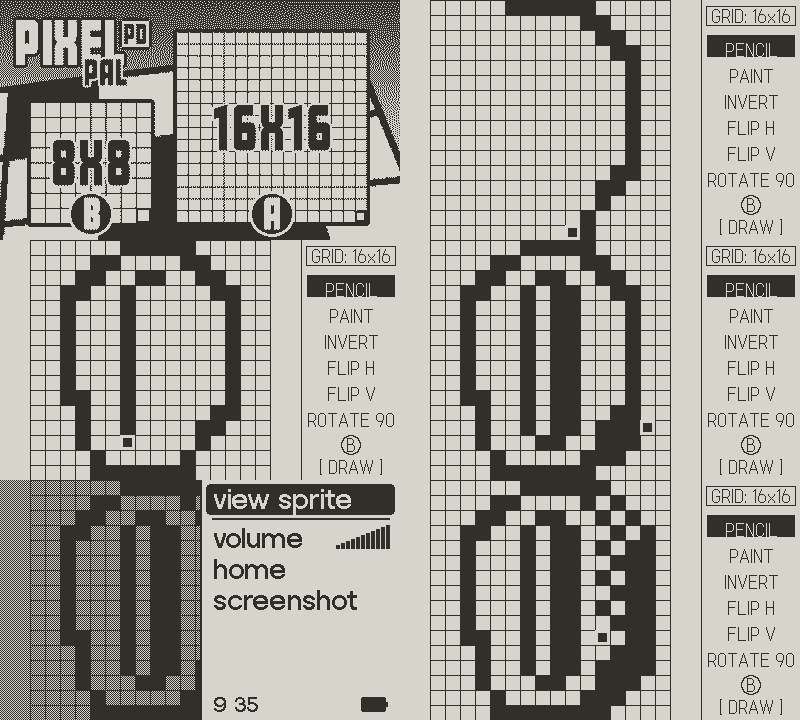
A fun little tool to push around some pixels on the Playdate. Choose from an 8x8 or 16x16 grid then get to creating! The power of pixels is in your pocket.
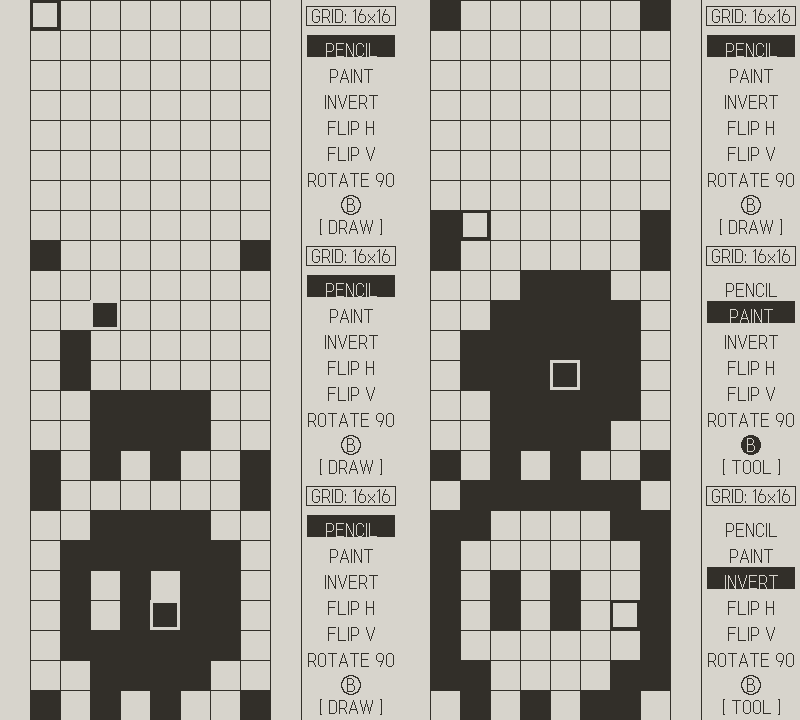
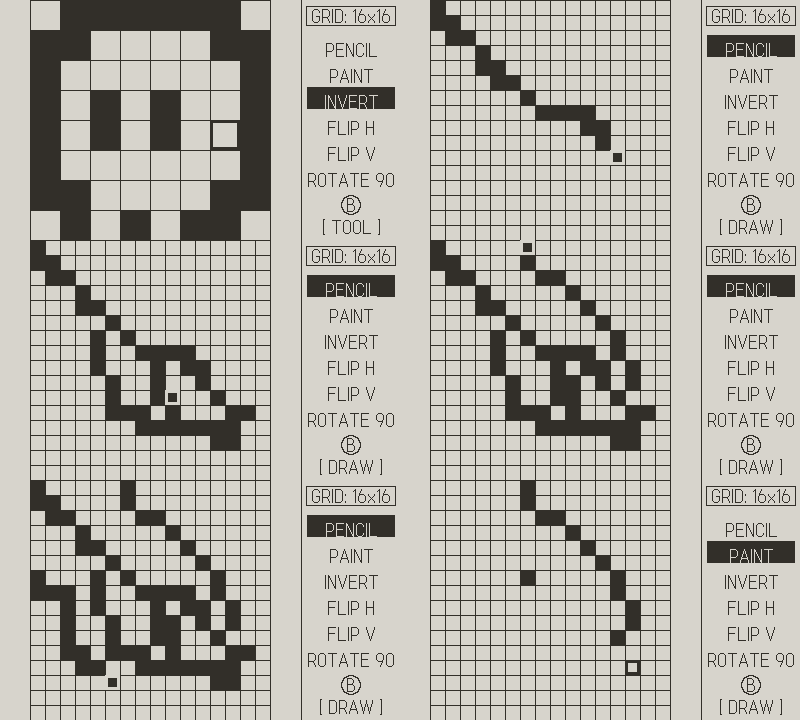
DRAWING: D-PAD moves your cursor around the grid. Tap A BUTTON to drop a pixel. Hold A BUTTON and use the D-PAD to drag a line where ya like. (Note: Cursor will teleport through the edge of the screen)
PENCIL vs PAINT: Pencil toggles pixels one at a time. Paint floods a whole connected area. Use it wisely, as you can only undo once.
SWITCHING TOOLS: Press B BUTTON to swap controls over to the TOOL Panel. D-PAD Up/Down navigates the list, A BUTTON selects.
Pop out the CRANK to cycle through tools regardless if you are in DRAW or TOOL Mode.
ACTION TOOLS:
- INVERT — What was black is white & visa-versa.
- FLIP H — Flip the sprite Horizontal.
- FLIP V — Flip the sprite Vertical.
- ROTATE 90 — Spins your sprite clockwise.
GRID SIZE: In the tool panel, navigate UP past Pencil to reach the GRID selector. Press the A BUTTON to drop down the 8x8 and16x16 grid options. Warning: changing size clears the canvas. No take-backs.
VIEW & SCREENSHOT: MENU BUTTON → VIEW SPRITE for a clean full-screen preview. Take a screenshot if you want to use/edit later for some actual game dev. (Any button returns to Main Screen.)
UNDO: MENU BUTTON → UNDO. Only goes 1 step back. Choose wisely. Cannot Undo an Undo.
Download
Click download now to get access to the following files:
Leave a comment
Log in with itch.io to leave a comment.